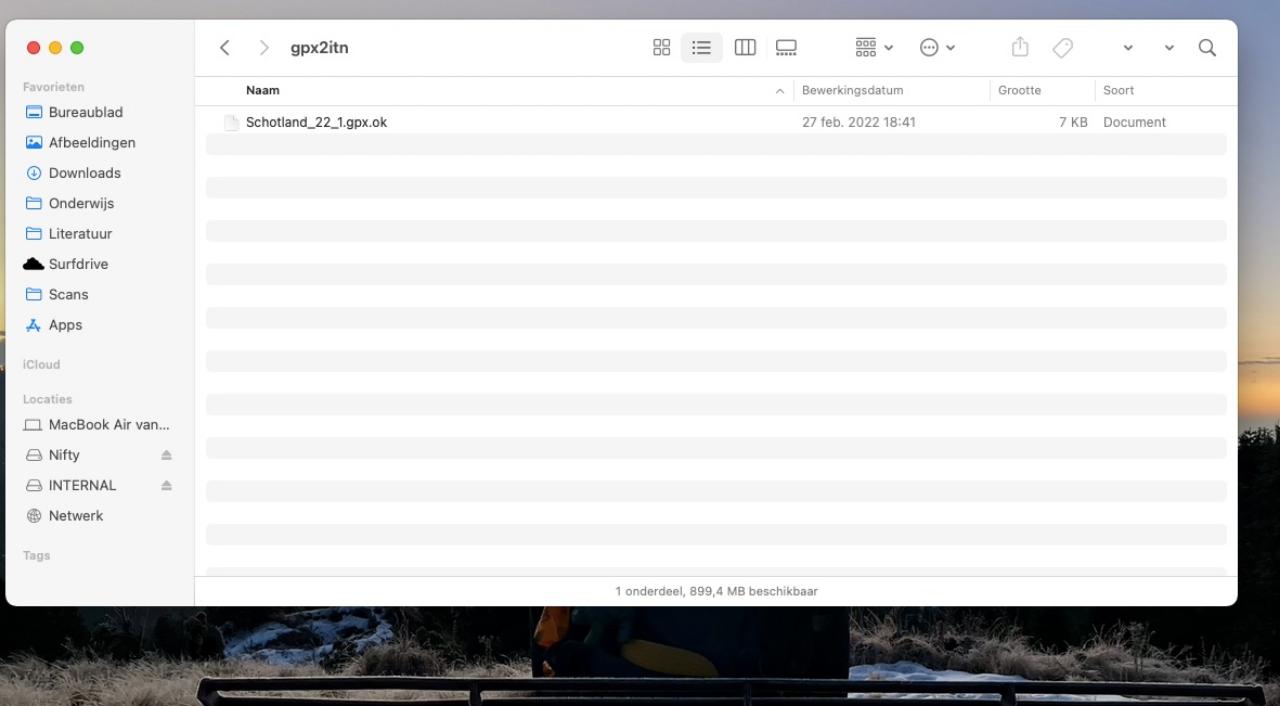
Another very quick post. It occurred to me that my old TomTom, after dusting it off, did not retain time. I could set the correct time, and within minutes, it would switch back to 0:00. Very annoying, of course, but there is a fix. I did not create it, but I’d like to share it.
As I was searching for software to import GPX routes to my old TomTom Rider (2010-ish), I found myself at a loss: none of the software for a Mac seemed to work, and I do not have a Windows machine at my disposal. The solution proved simpler than I thought, and it does not require any additional software. I’ll outline the steps below.
Connect you device to your computer (Mac, Windows) using a USB cable.
Open the device/drive called ‘Internal’.
Copy your GPX file(s) to the (existing) folder called ‘gpx2itn’.
Disconnect your device from your computer and let it reboot.
Now, if you plan a new route, and navigate to options and ‘load route’, you’ll see the GPX file you copied.
Done.
Copy your GPX file(s) to the ‘gpx2itn’ folder in the root of your TomTom drive (probably called ‘INTERNAL’).
This is more of a reminder for myself, but if anyone finds this useful, that’s even better!